Auralis - Virtual Light Machine
A downloadable tool for macOS
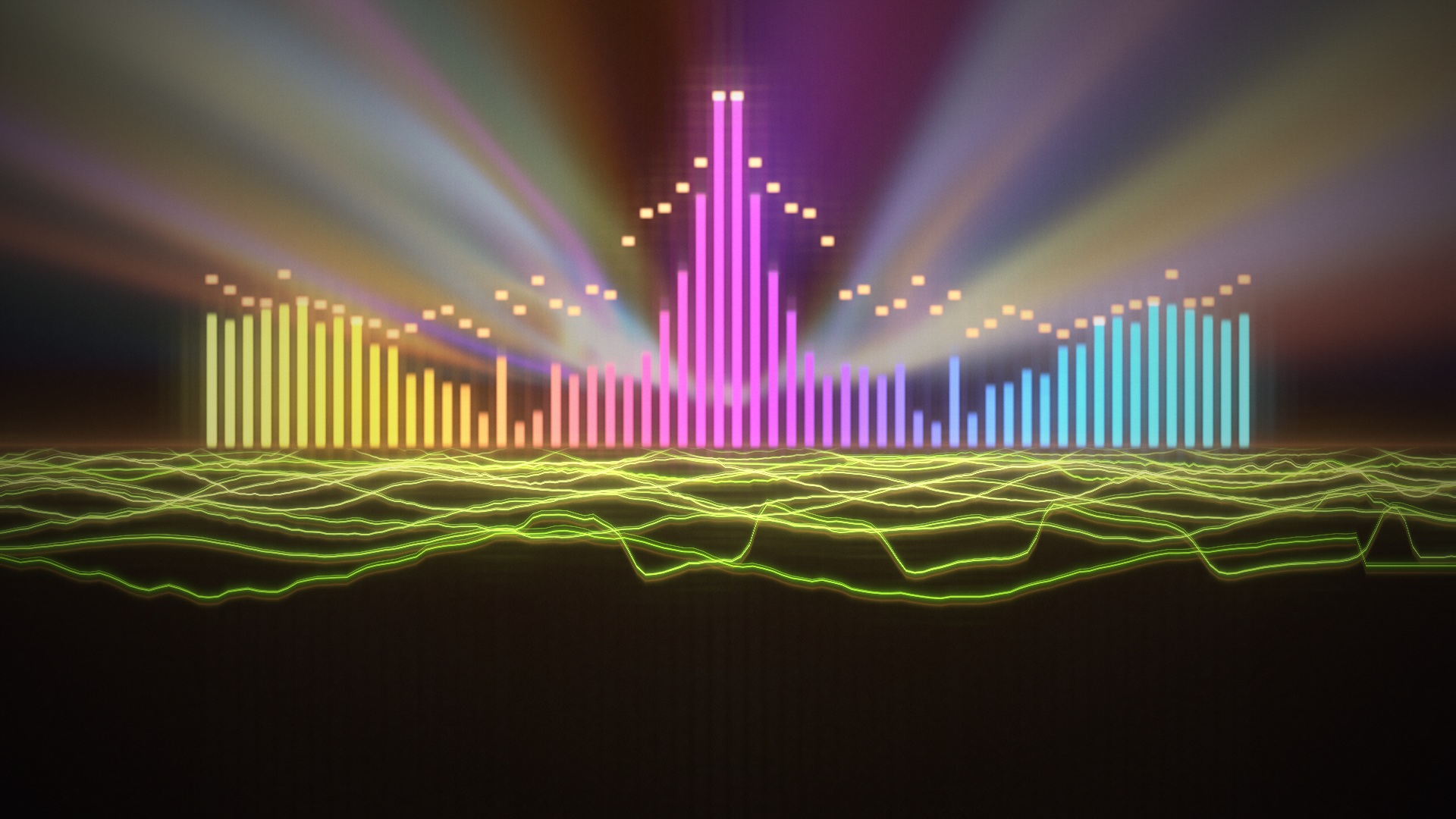
Auralis is the art of translating sound and musical structures into visual experiences using synchronized lights, colors or projections. So, who remembers the Xbox360 music visualization by Jeff Minter or the awesome Winamp music visuals?
I needed a simple visualization routine for a conference and couldn't find any visualization software that wasn't overly complex, expensive or required a subscription. So I built one instead - no subscriptions, simple to launch, and you can load your own music or use the Mac microphone to listen to any external music source.
Photosensitivity warning: Auralis contains flashing lights and patterns that may trigger photosensitive seizures. Read the startup warning before starting. The welcome screen is static; effects start only after you choose an audio source or Demo. See the Epilepsy Foundation's photosensitivity information.
What it does
- Responds to bass, mids, treble, waveform shape and detected beats—not just overall volume.
- Generates scenes in real time, including instanced crystals, streaming terrain, closed-loop tunnel geometry, fluid smoke and persistent neon trails.
- Blends between two live scenes over 1.6 seconds, without fading through black.
- Offers four colour palettes, global Response intensity, fullscreen and a visual-only mode. Response scales waves, spectrum, audio-reactive motion, beat pulses and glow across all scenes without changing playback volume or beat timing.
- Shows a live oscilloscope waveform in the control deck, with a steady zero-crossing trigger and response-linked amplitude.
- Provides Auto / High / Ultra quality settings, bounded resource pools and adaptive render scaling in Auto mode.
- Lets you enable each scene and set its duration in the Scene Timers pop-up, opened from Options or View → Scene Timers…. Choose 5–600 seconds, or 0 for 16-beat timing. Defaults are 20 seconds for Horizon, 30 seconds for Neon City, and 5 seconds for all other scenes. Existing zero timers are upgraded to 5 seconds once; other custom times are preserved.
- Processes audio on the device in realtime. Microphone sound is not recorded or uploaded.
Every image below is an actual browser capture of the current app, using the built-in demo signal in visual-only mode at 1280 × 800. Procedural seeds and music change the appearance between sessions. Click an image to view it at full size.
| Scene | Effect and music response | Screenshot |
|---|---|---|
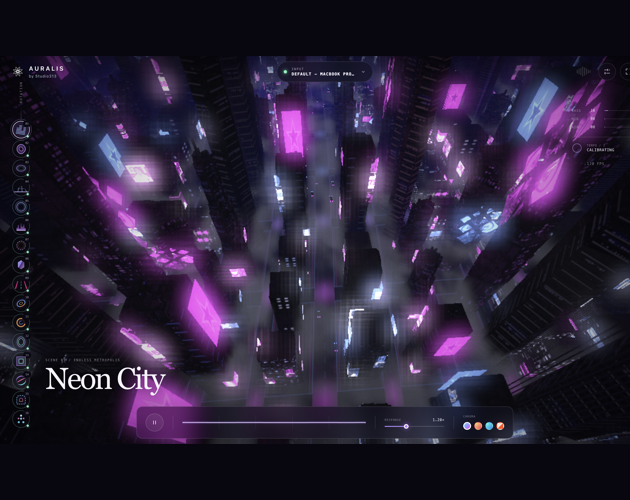
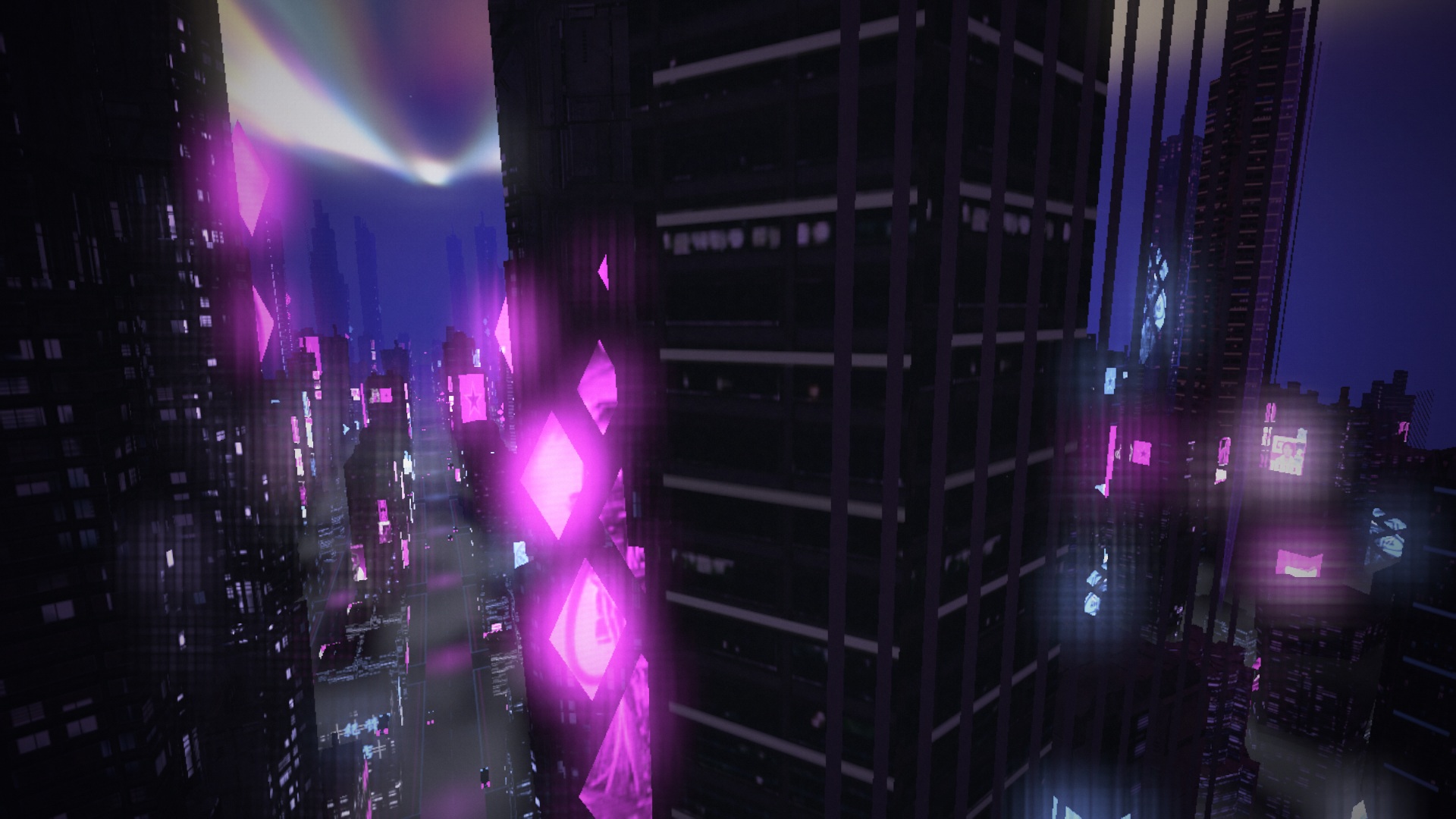
| 01 · Neon City | Descend from above a blue-violet metropolis, then climb, dip and bank gently above its streets. Eight building types and original city art from Synthcity bring detailed dark façades, clustered windows, projecting neon signs and rooftop light shafts. Music drives their lighting and flowing Aura ribbons in the sky. Defaults to 30 seconds in Auto Director; adjustable in Options. | 
|
| 02 · Bloom | Mirrored flowers, travelling waveform rings, fluid smoke and a restrained Geiss Flow background. Bass opens the petals; beats launch sound waves. | 
|
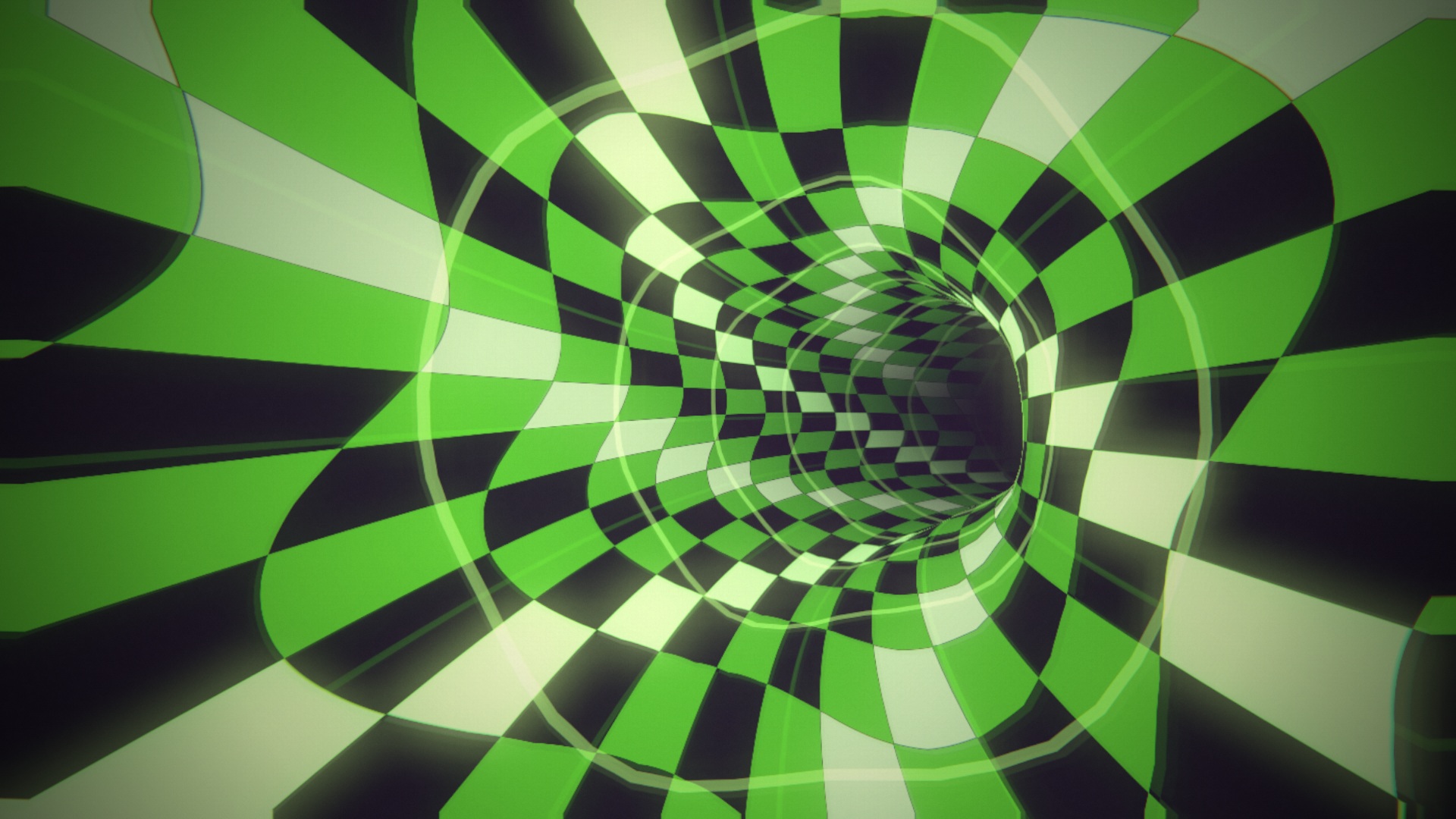
| 03 · Torus | Fly inside a curving checker tunnel. Walls breathe with bass; every fifth tile flashes on detected beats. | 
|
| 04 · Valley | A smooth bird-like flight through music-shaped ridges and valleys, with a deep horizon and thin drifting wisps. | 
|
| 05 · Reactor | A radial instrument-like structure with concentric details and transient-driven bursts. | 
|
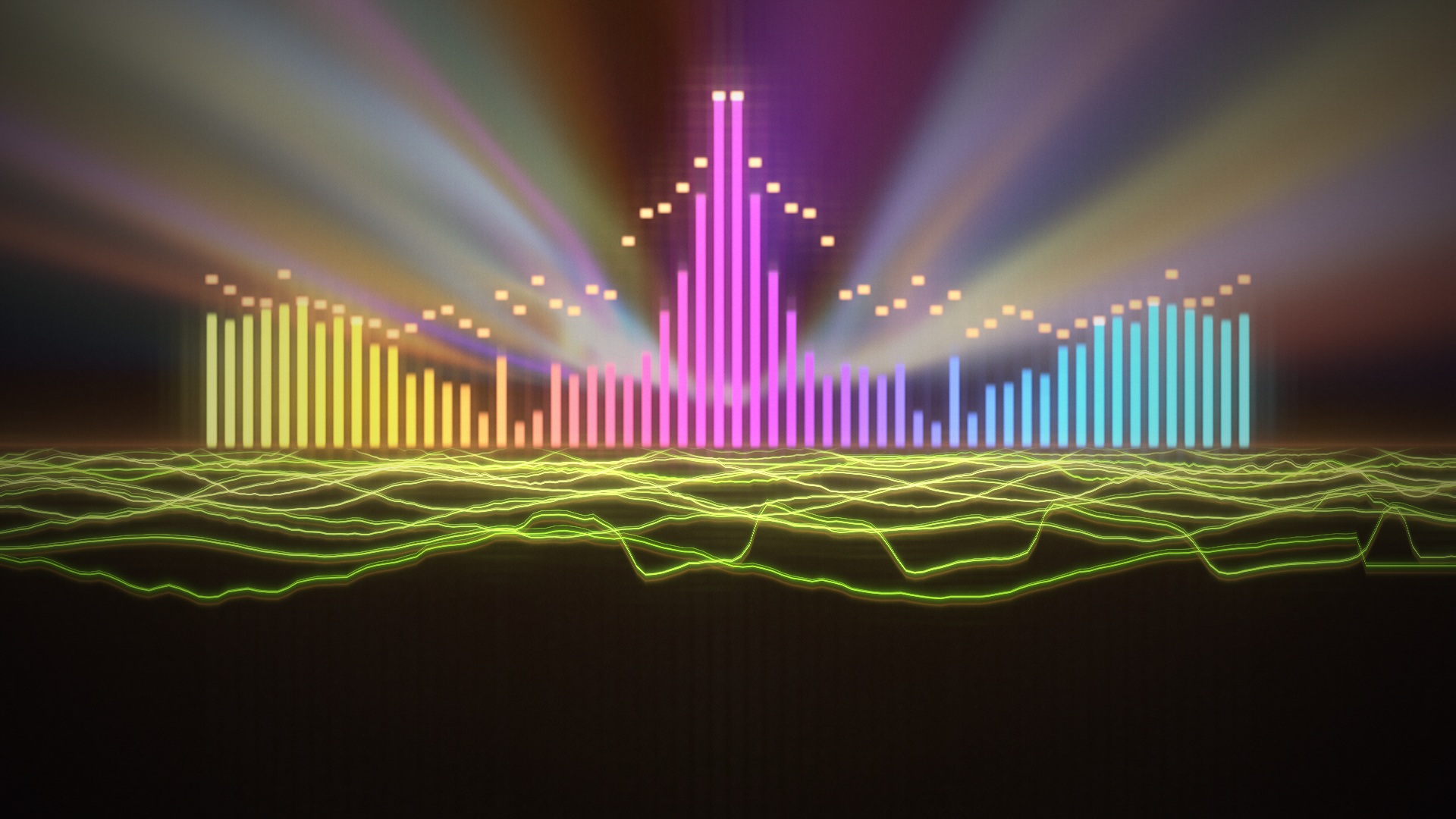
| 06 · Horizon | 29 mirrored frequency bands form a skyline above an approaching waveform floor. Aura's music-reactive light folds flow behind the towers, softly fading above the ground. Defaults to 20 seconds in Auto Director; adjustable in Options. | 
|
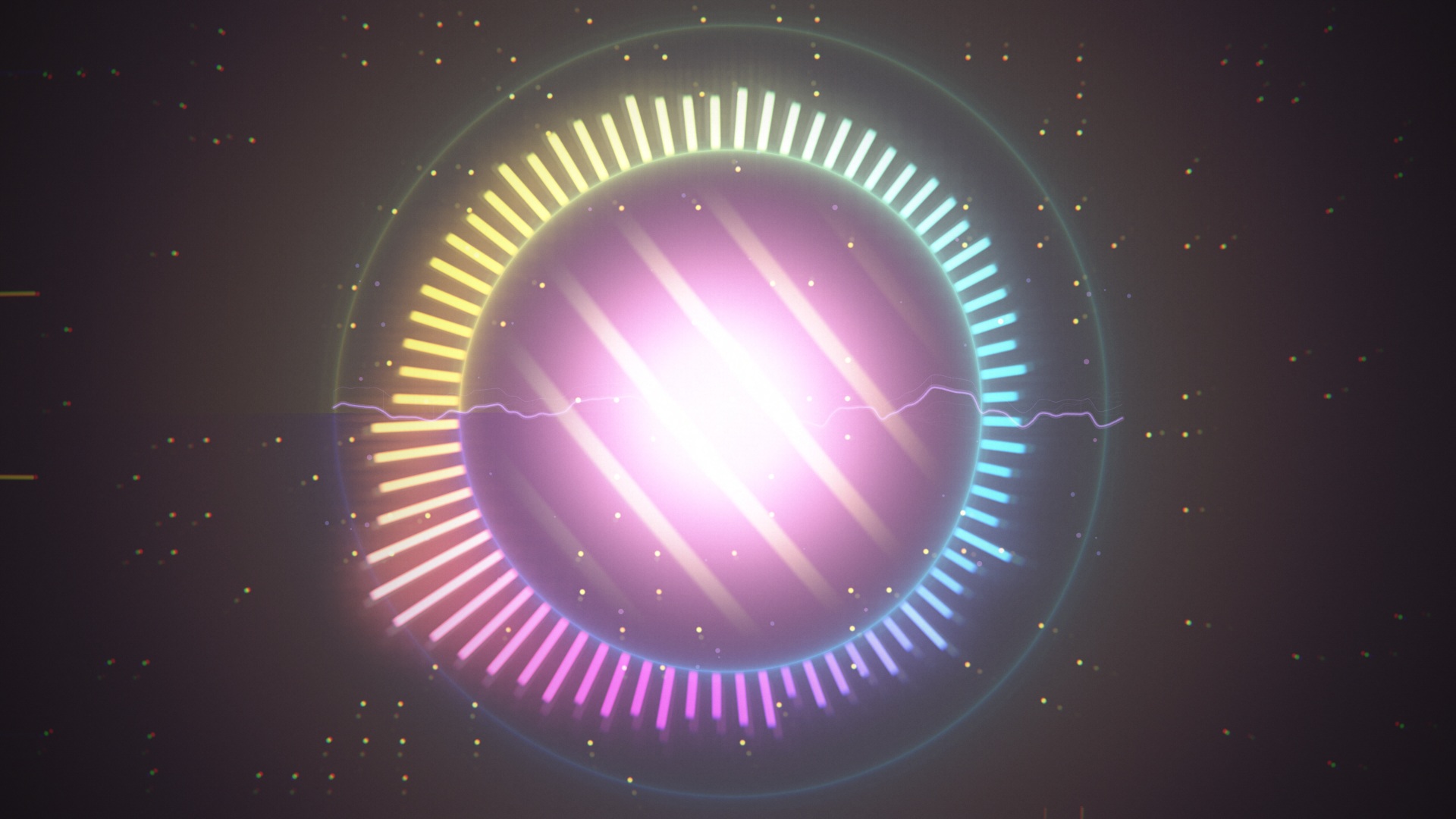
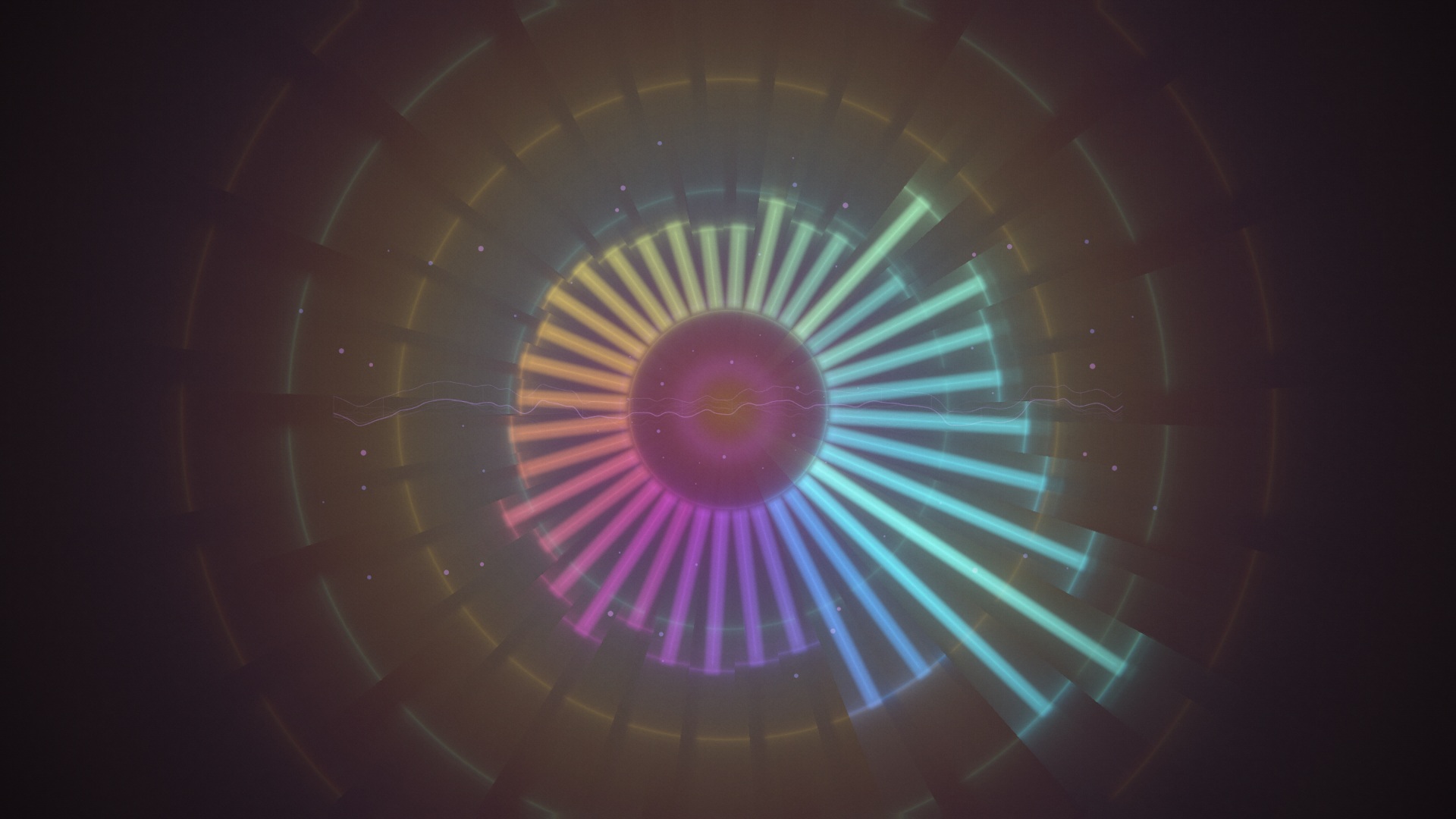
| 07 · Radial | Extruded circular spectrum blocks with slow, smoothly integrated musical rotation and responsive highlights. | 
|
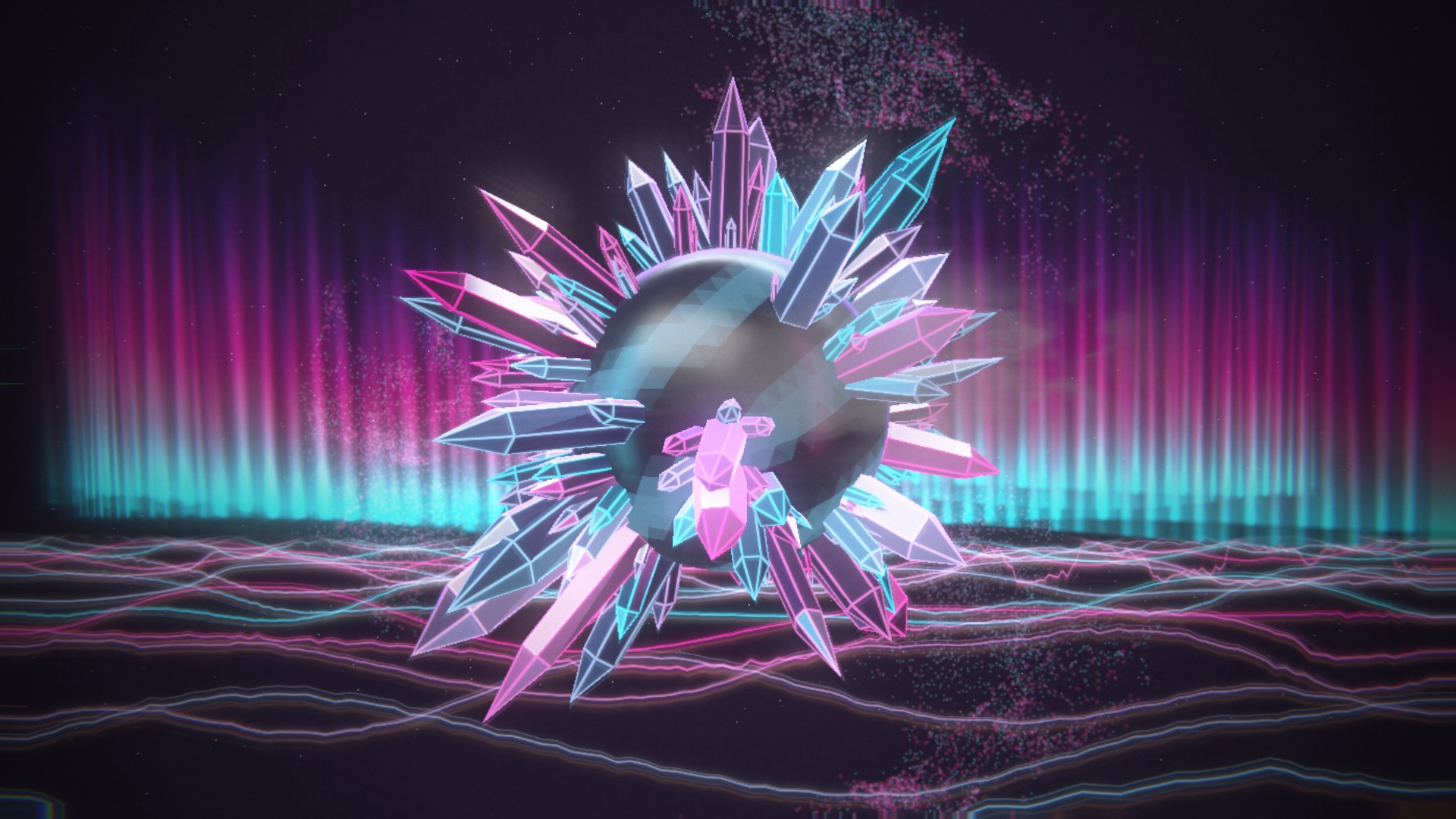
| 08 · Crystals | A smooth, dark reflective globe with neon studio highlights, five quartz shapes and beat-driven growth travelling across its surface. Spin follows musical tempo; triangular light ripples, Spirit-style GPU particles, a passing smoke wisp, aurora curtains and Horizon's approaching waveform floor complete the scene. | 
|
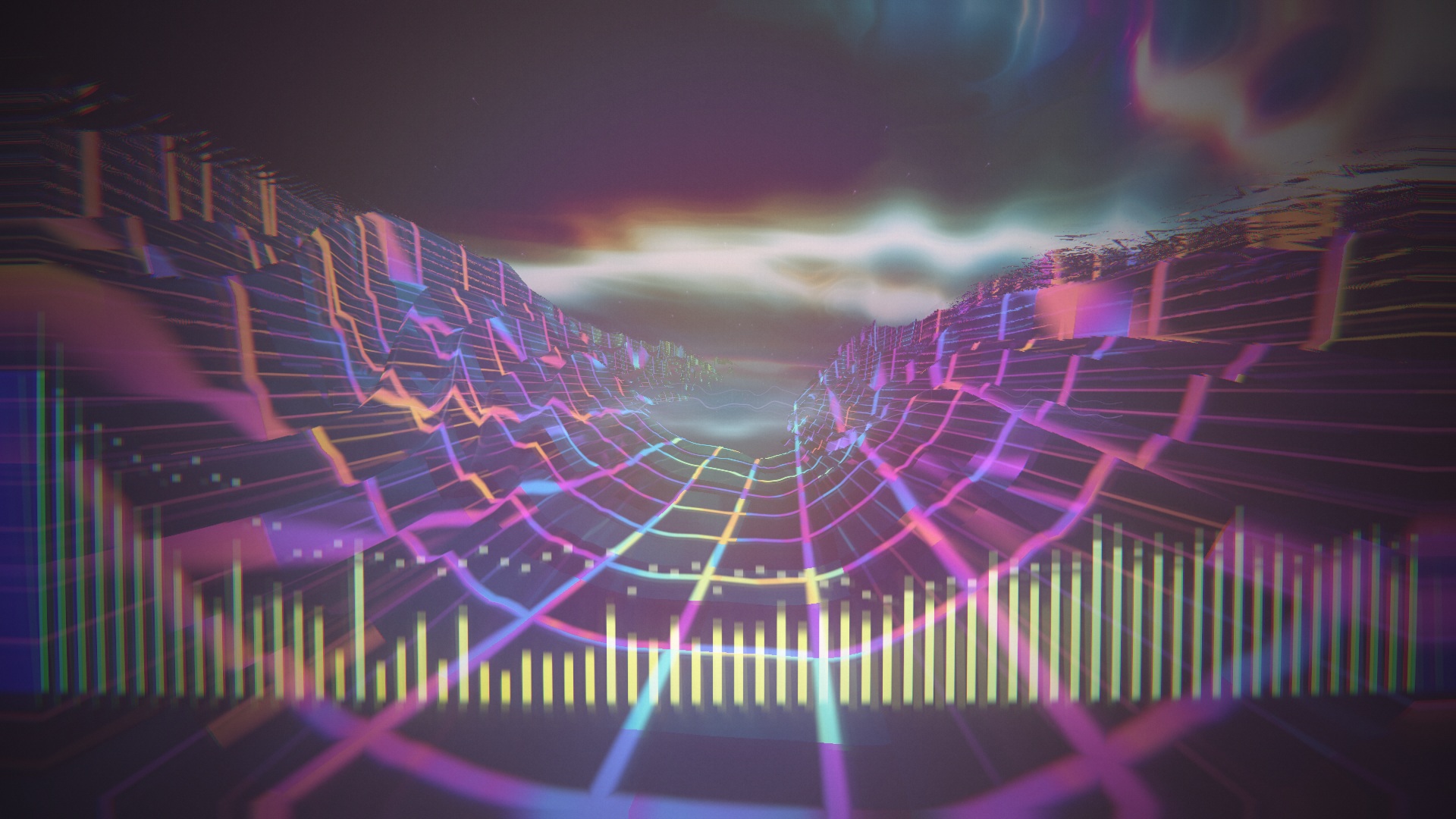
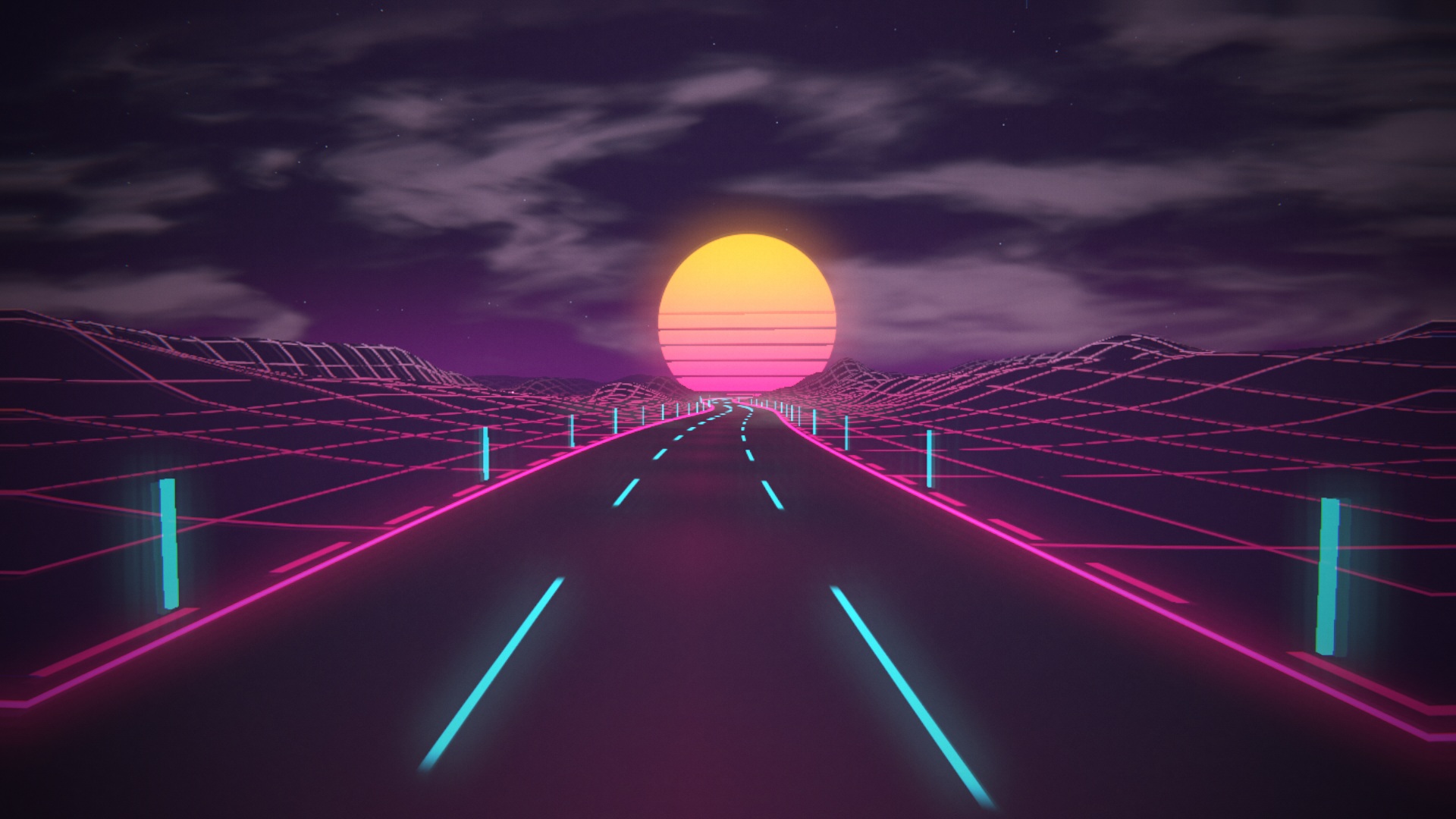
| 09 · Neon Road | An ’80s neon highway with a route-following camera, striped sunset, grid mountains, roadside lights, smoke and clouds. | 
|
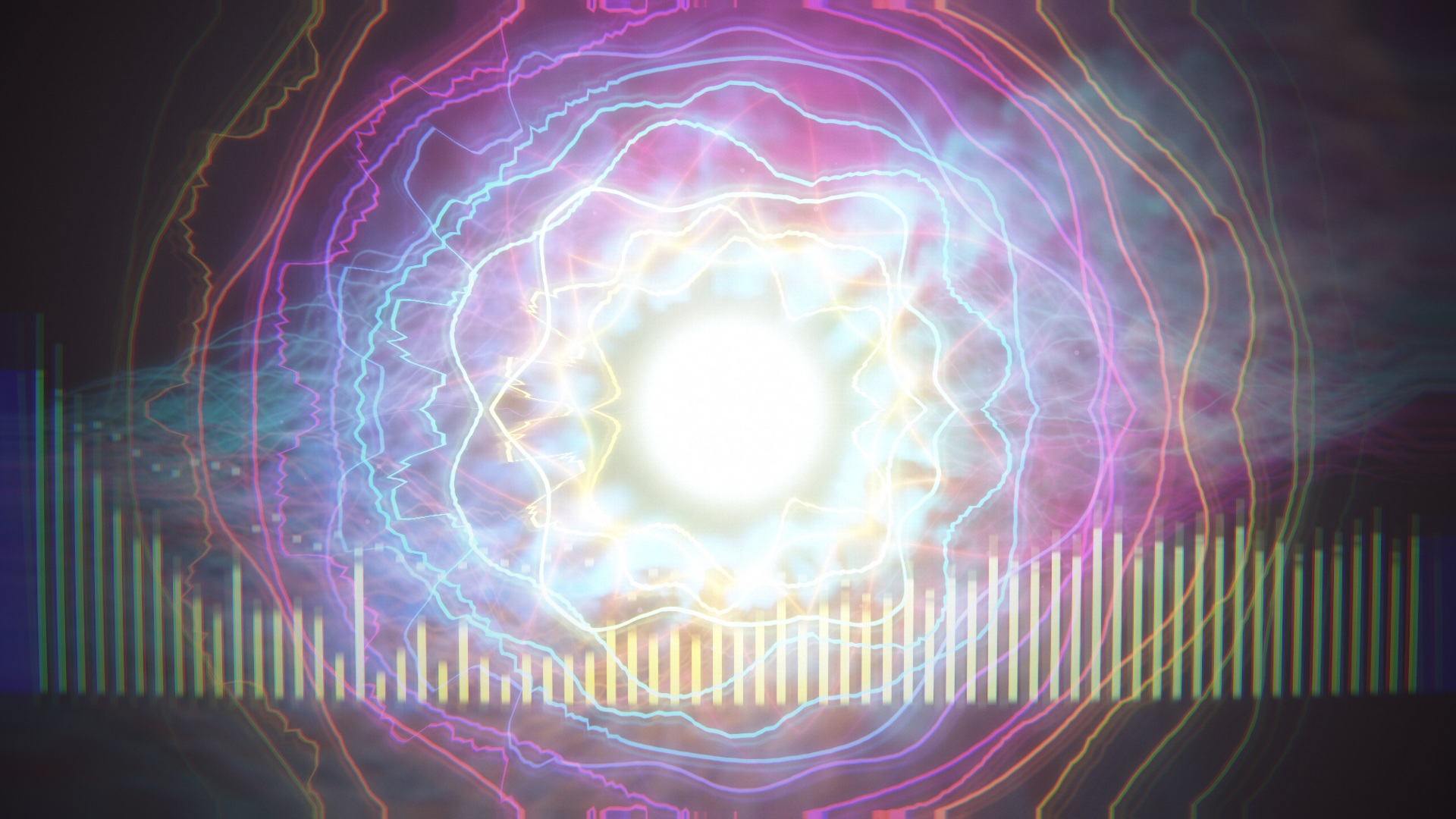
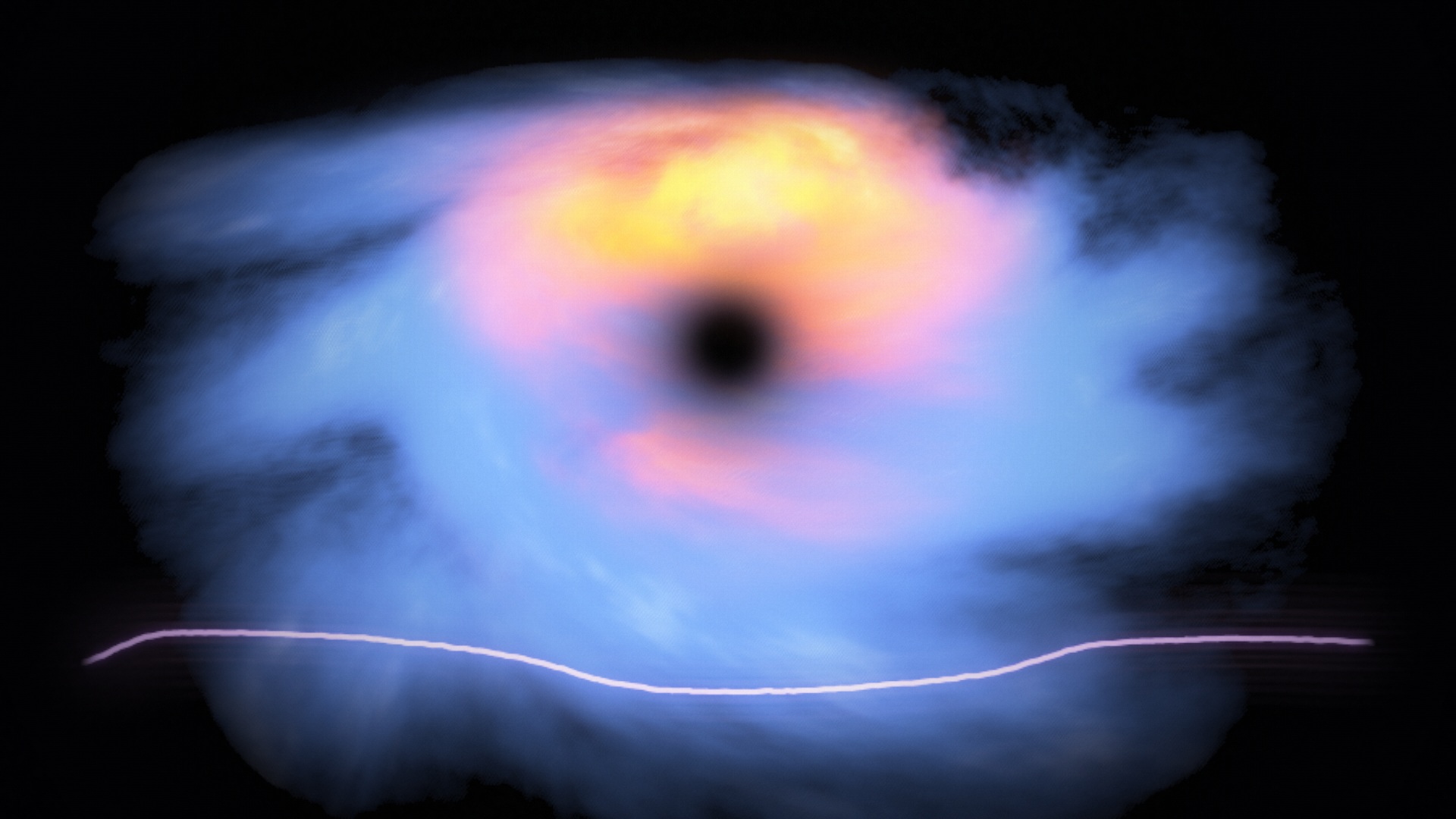
| 10 · Dark Matter | A volumetric cloud vortex around a dark core, with a glowing live oscilloscope below it. Bass shapes density and swirl; detected beats send restrained pulses outward through the cloud. | 
|
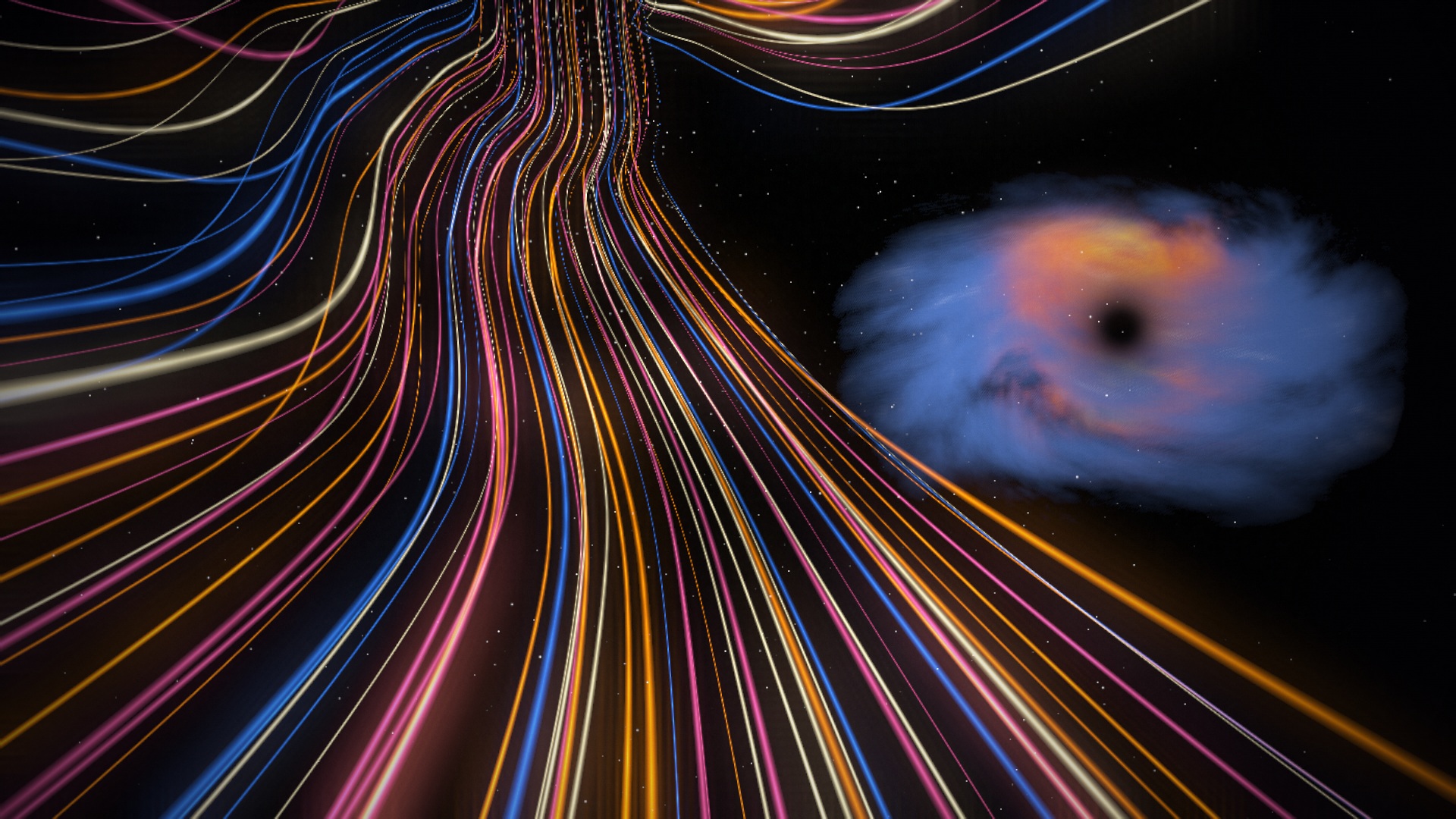
| 11 · Light Tunnel | Continuous flight through amber, cream, pink and blue light strips, with a stationary, distant Dark Matter cloud on the right and a fixed starfield. Music shapes tunnel speed and strip brightness; beat highlights approach the camera. | 
|
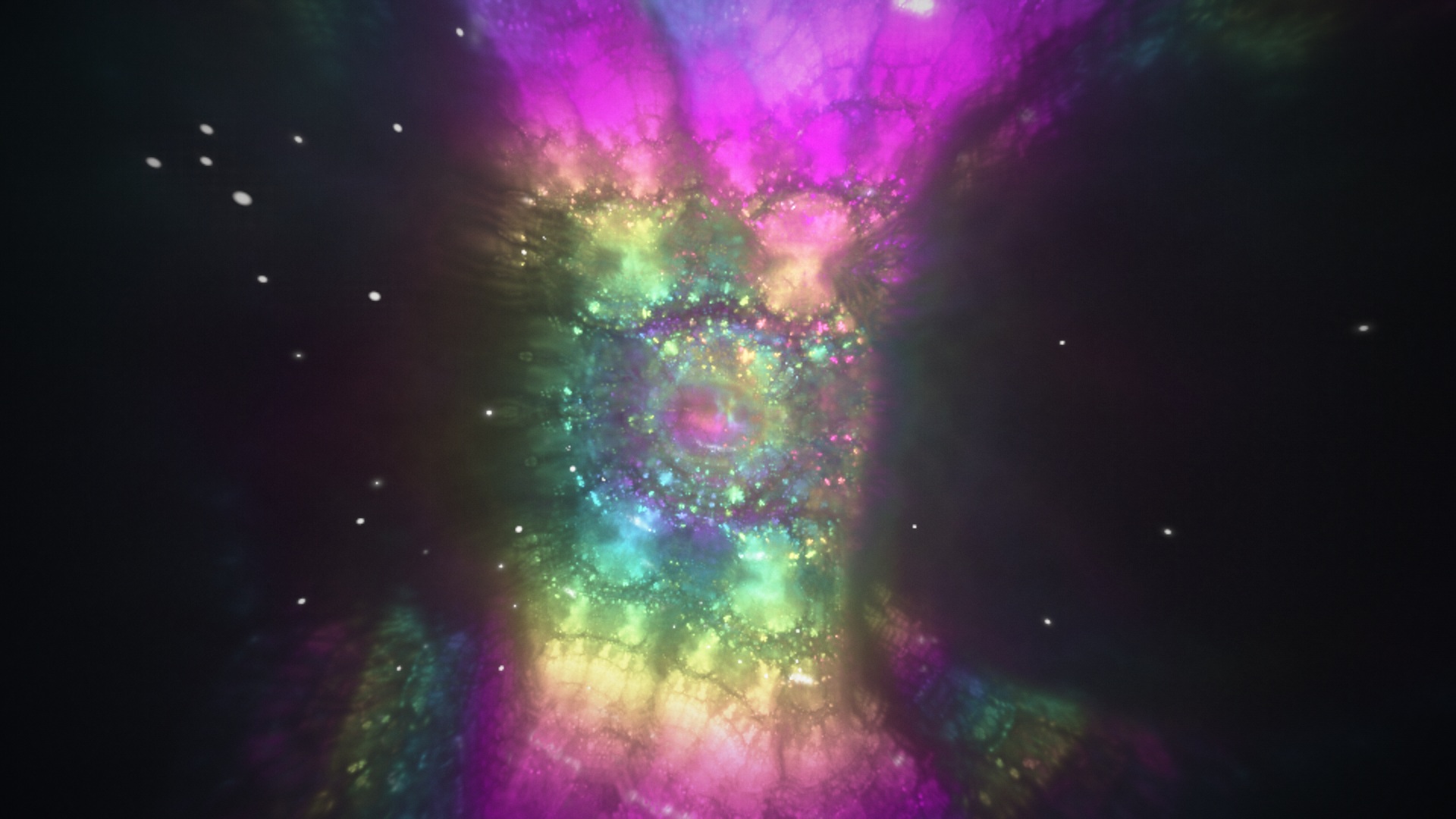
| 12 · Fractal Lotus | An orbiting view through a holographic crystal web built from mirrored space folds. Bass gently changes filament thickness and orbit speed, mids advance the morph, and beats and treble illuminate fine detail and drifting sparks. | 
|
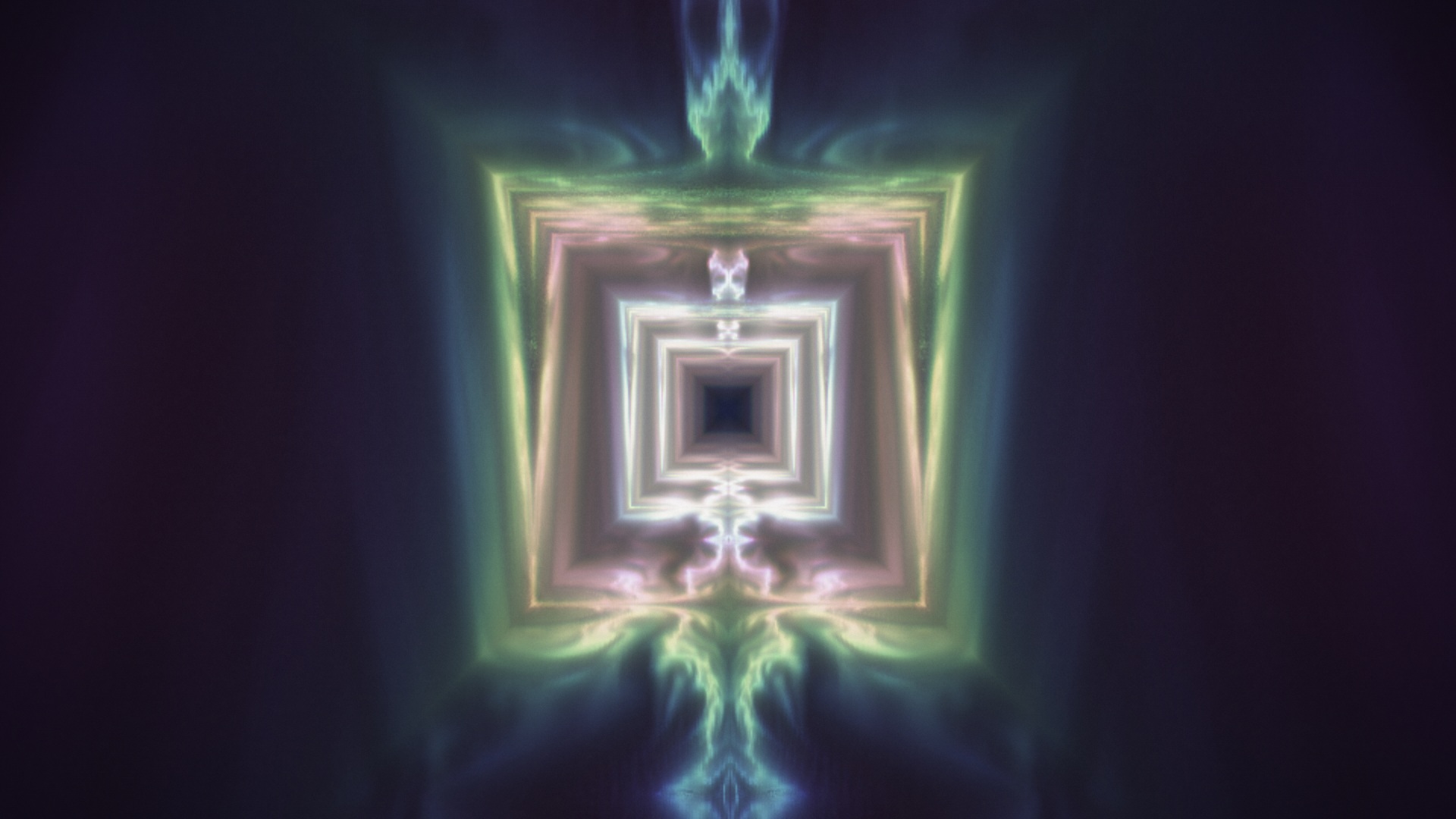
| 13 · Voxel Tunnel | A luminous square corridor with folded, voxel-quantised walls and layered depth. Bass smoothly changes forward speed and width, mids animate turbulence, and beats brighten the walls around a softly glowing core. | 
|
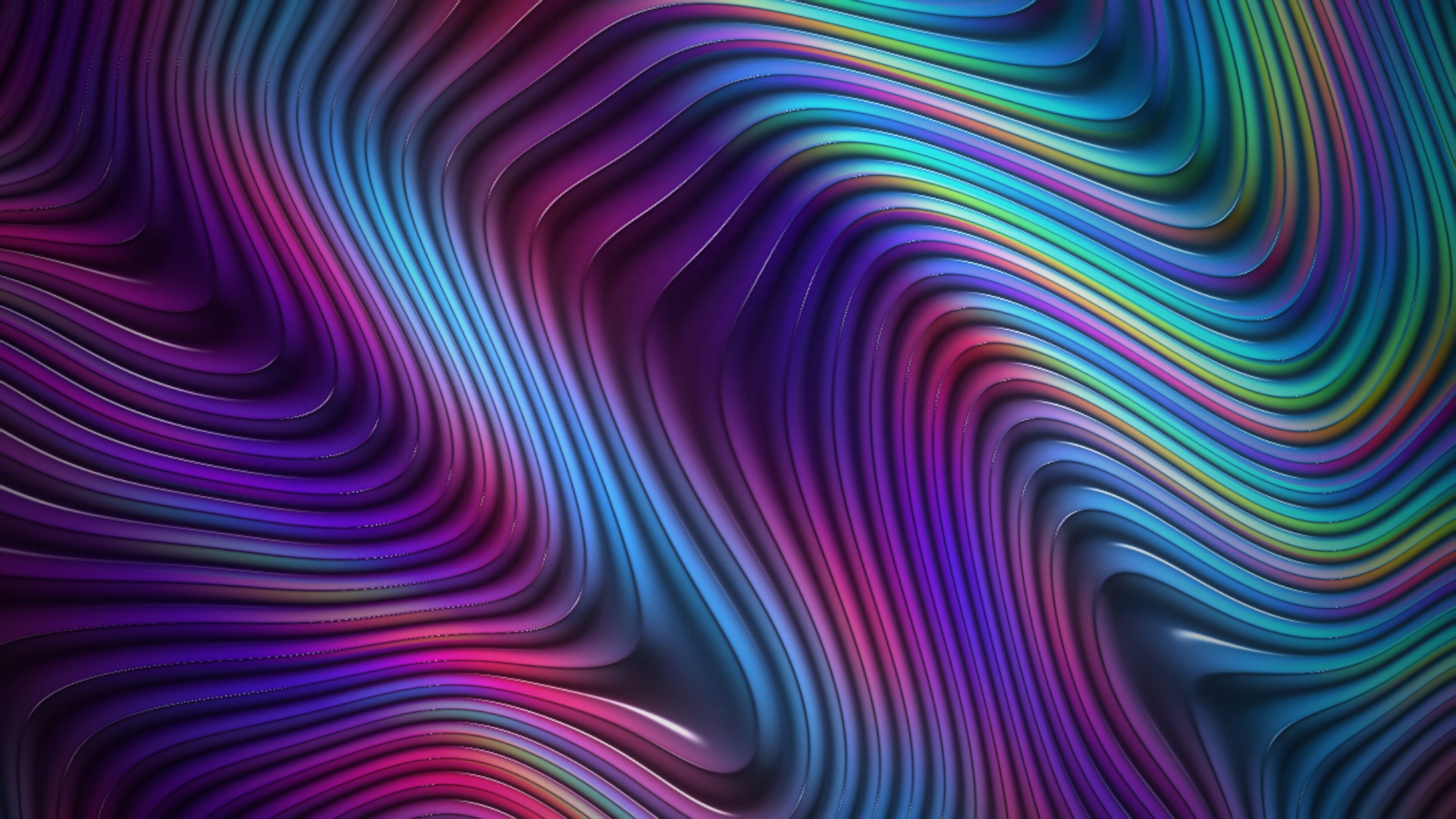
| 14 · Magnetic Silk | Smoothly flowing metallic folds with beat-triggered colour ripples travelling across the silk and holographic edges. Continuous movement without beat-driven jolts. | 
|
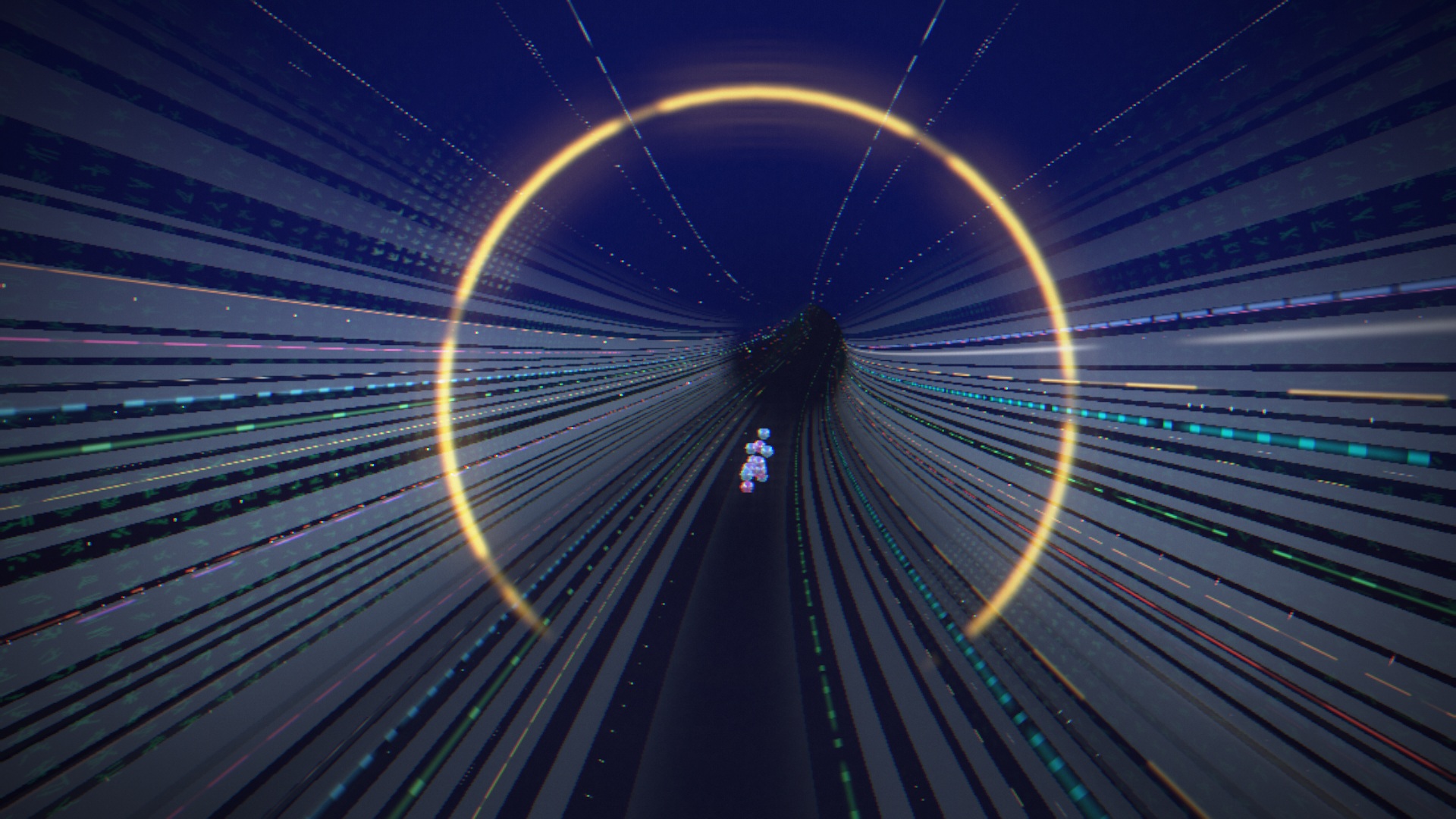
| 15 · Cyber Tunnel | Smooth flight through a looping neon corridor with segmented lanes, broken rings, generated data glyphs, holographic panels and rippled floor reflections. One sphere-jointed Neon March character marches farther ahead near the bend, its polished surface reflecting the actual tunnel lights. Bass gently increases speed; beats and treble light the walls. | 
|
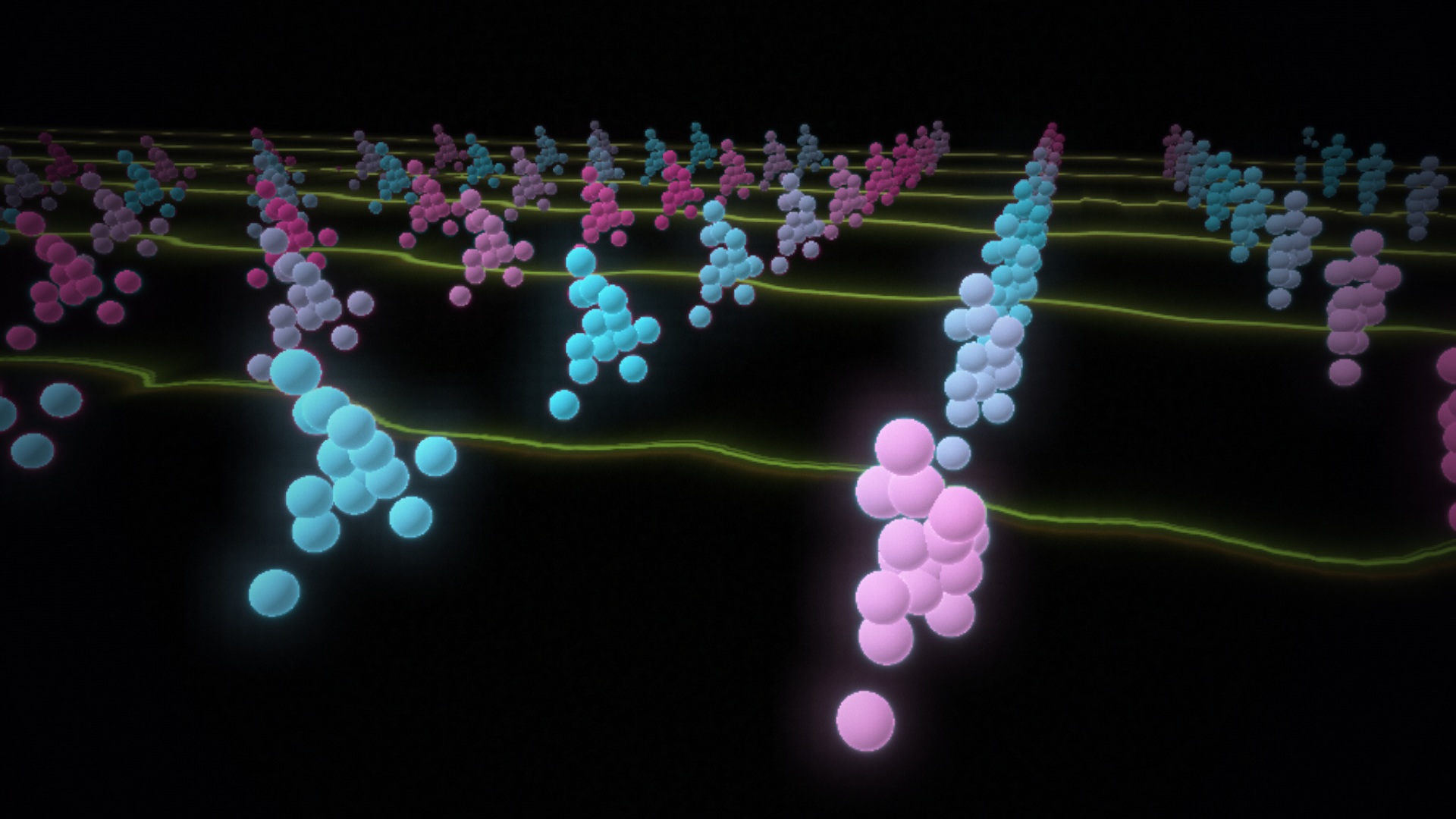
| 16 · Neon March | Rows of glowing sphere-jointed figures stride above Horizon-style synthwave floor lines flowing towards the viewer. The lines retain captured audio waveforms; tempo shapes the marchers' cadence, while beats and treble brighten their neon joints. | 
|
Controls
| Control | Action |
|---|---|
| Side icons | Include/exclude scenes from Auto Director—not effect-layer toggles. |
| L / Load Music | Open a local audio file. |
| M / Microphone | Switch to microphone input (permission required). |
| D / Demo | Play the bundled music with a random first track and 50-second rotation. |
| S / Options | Open/close the settings panel. |
| Lit dot / dim dash | Scene enabled / excluded from rotation. |
| Bright outline | Currently selected scene, independent of rotation membership. |
| ← / → | Preview any scene, including excluded scenes. |
| 1–9 | Preview scenes 1–9. |
| A | Toggle Auto Director. |
| Space | Pause/resume visuals; when a button is focused, activate that button. |
| O | Hide/show all text, controls and framing for visuals only. |
| H | Hide/show the main interface. |
| F | Toggle fullscreen. |
| Settings | Audio source, particle veil, Auto Director, per-scene durations/on-off switches and render quality. |
Purchase
In order to download this tool you must purchase it at or above the minimum price of $2 USD. You will get access to the following files:
Leave a comment
Log in with itch.io to leave a comment.