
(Apple IIe) Sixies
A downloadable game
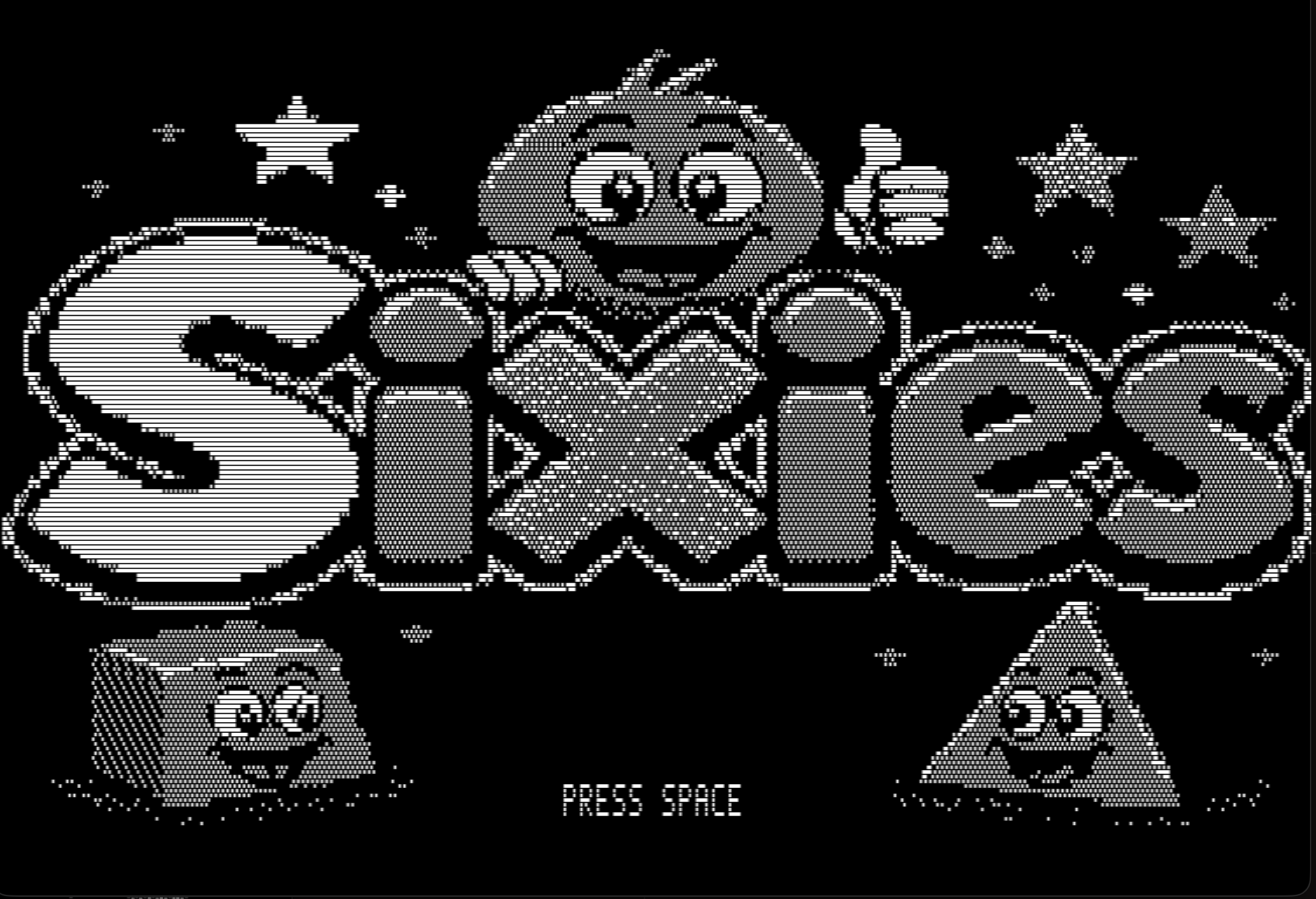
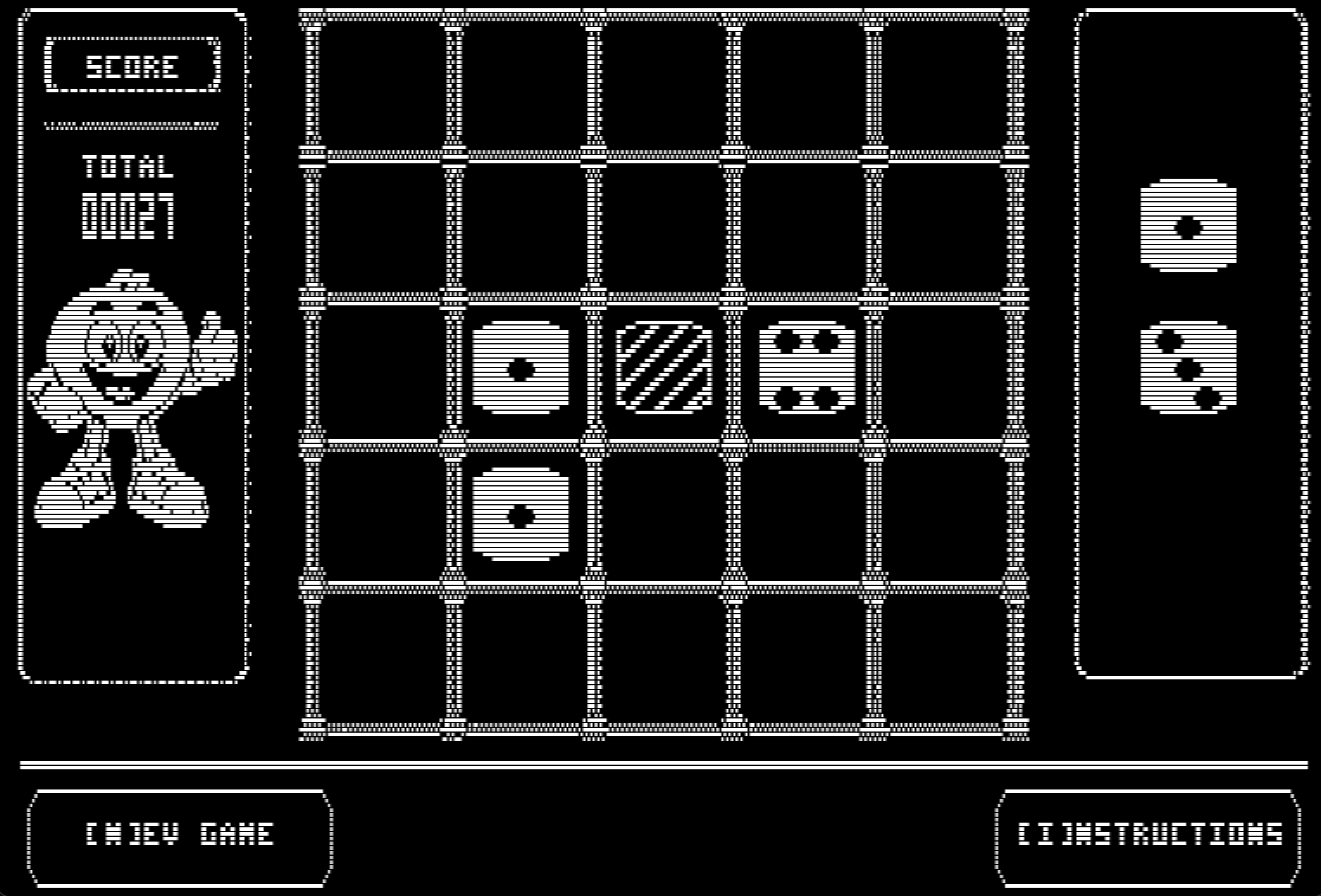
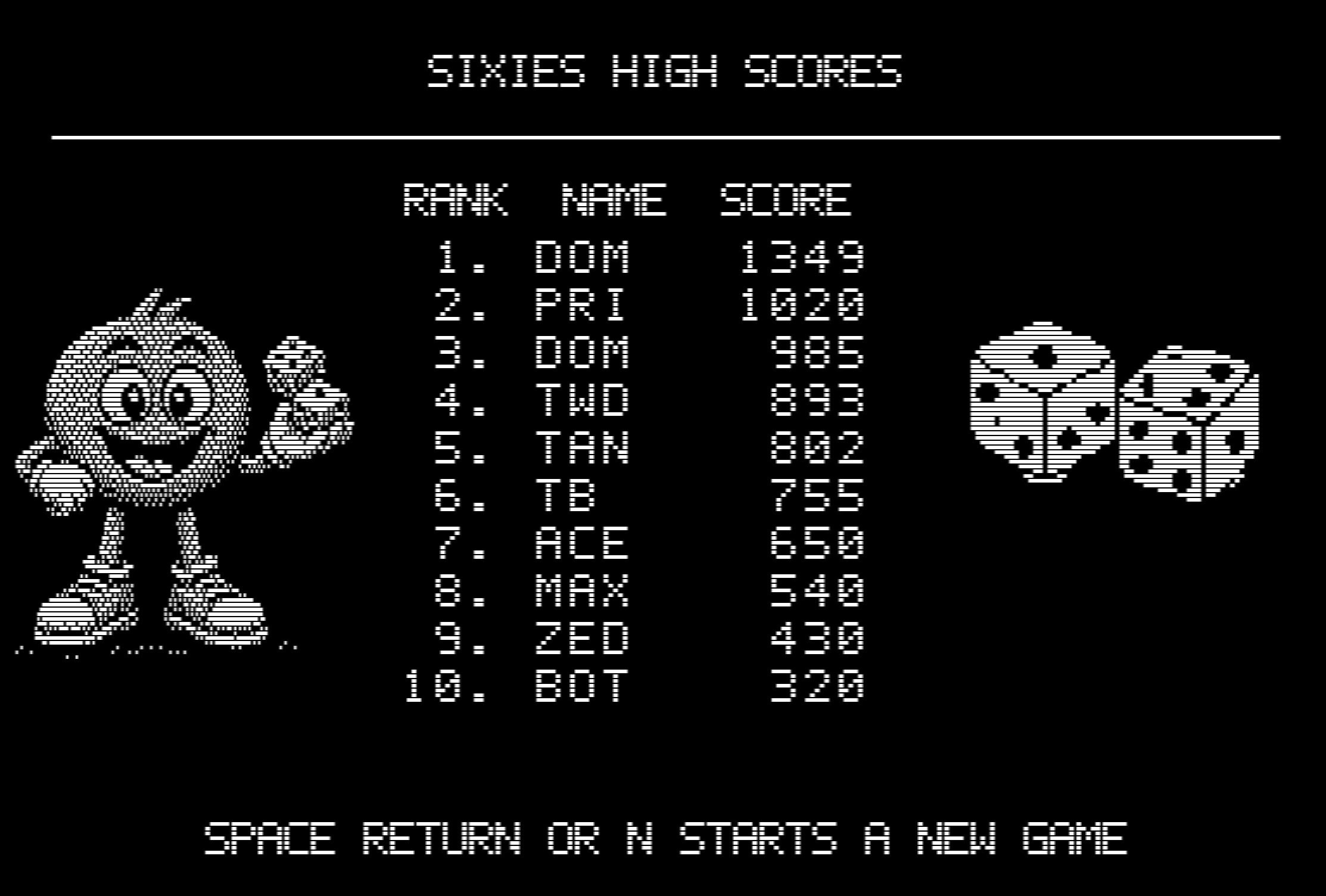
SIXIES is a fast-paced dice-merging puzzle game for the enhanced Apple IIe. Place and rotate dice on a 5x5 grid, connect three or more matching values, trigger chain reactions, and chase a place on the high-score table. Features monochrome DHGR artwork, animated ripples, screen shake, sprite effects, comic callouts, and Apple II speaker sound effects.
Commodore C64 Verion here: sixies
Enhanced Apple IIe
- 65C02 CPU at approximately 1.023 MHz
- 128 KB RAM
- 560x192 monochrome double-hi-resolution graphics
- Built-in Apple II speaker sound
- Keyboard controls
- ProDOS 2.4.3 bootable 140 KB disk image
- Written in C and 6502 assembly using cc65
- Runs on real hardware or the izapple2 emulator

How to Play
Place single or paired dice onto empty spaces on the 5x5 grid. Move the dice with the arrow keys or WASD, rotate pairs with E or Q, then press Space or Return to place them.
Connect three or more matching dice horizontally or vertically to merge them into the next value. Merged sixes disappear and award a 50-point bonus. Chain multiple merges to increase your score.
Keep enough empty space available for future dice. The game ends when the grid is full and no placement remains.
Controls
Arrow KeysorWASD: Move diceEorQ: Rotate paired diceSpaceorReturn: Place diceI: Open instructionsSpace: Return from instructionsN: Request a new gameY/N: Confirm or cancel a new gameM: Toggle soundA-Z: Enter high-score initials
Download Files:
.po: ProDOS sector order. Best for ProDOS-aware tools and modern emulators.
.dsk: DOS 3.3 sector order. More compatible with older Apple II emulators and disk-transfer utilities.
SIXIES still uses the ProDOS filesystem in both files. Only the physical sector arrangement inside the image differs. Use .po by default and .dsk when a tool specifically expects it.
Download
Install instructions
Play Using an Emulator
- Install an Apple II emulator such as izapple2, AppleWin, Virtual II, or MAME.
- Download
sixies.pofrom the project. - Configure the emulator as an enhanced Apple IIe with 128 KB RAM.
- Insert
sixies.pointo drive 1. - Start or reset the emulator to boot the game.
Comments
Log in with itch.io to leave a comment.
Worked perfectly in AppleWin. Thanks a lot.